Change
Rename the game
Change the heading, paragraph and button text.
Learn one tag at a time. See what it does. Then put the pieces together into a real HTML page.
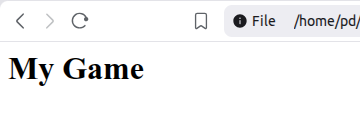
The <h1> tag makes a large main heading.
<h1>My Game</h1>
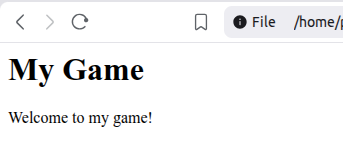
A <p> tag is for normal text or a paragraph.
<h1>My Game</h1>
<p>Welcome to my game!</p>
<p>.
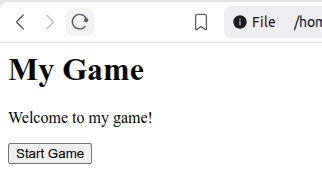
The <button> tag puts a button on the page. It does not do anything yet. We will make buttons work when we learn JavaScript.
<h1>My Game</h1>
<p>Welcome to my game!</p>
<button>Start Game</button>
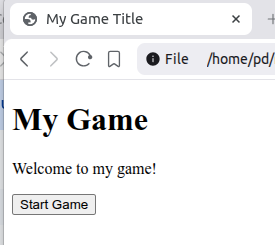
Now we put our code inside the normal structure of a real HTML page.
<!DOCTYPE html>

<html lang="en">

<head>
    <title>My Game Title</title>
</head>

<body>
    <h1>My Game</h1>
    <p>Welcome to my game!</p>
    <button>Start Game</button>
</body>

</html>
<!DOCTYPE html>This tells the browser to use modern HTML. Put it at the very top of the file.
<html lang="en">This is the outer container for the whole HTML page. lang="en" says that the main language of the page is English. The closing </html> tag goes right at the bottom.
<head>The head contains information about the page. Most things in the head are not shown inside the page itself.
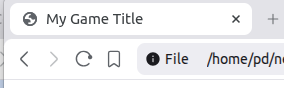
<title>My Game Title</title>The title appears on the browser tab.
<body>The body contains the things we actually put on the page: headings, paragraphs, buttons, images, games and more.
Use the tags you just learned. Copying tags is fine. The important thing is knowing what each one does.
Change the heading, paragraph and button text.
Add a second paragraph underneath the first.
Start with the basic page structure and create your own heading, description and Play button.